
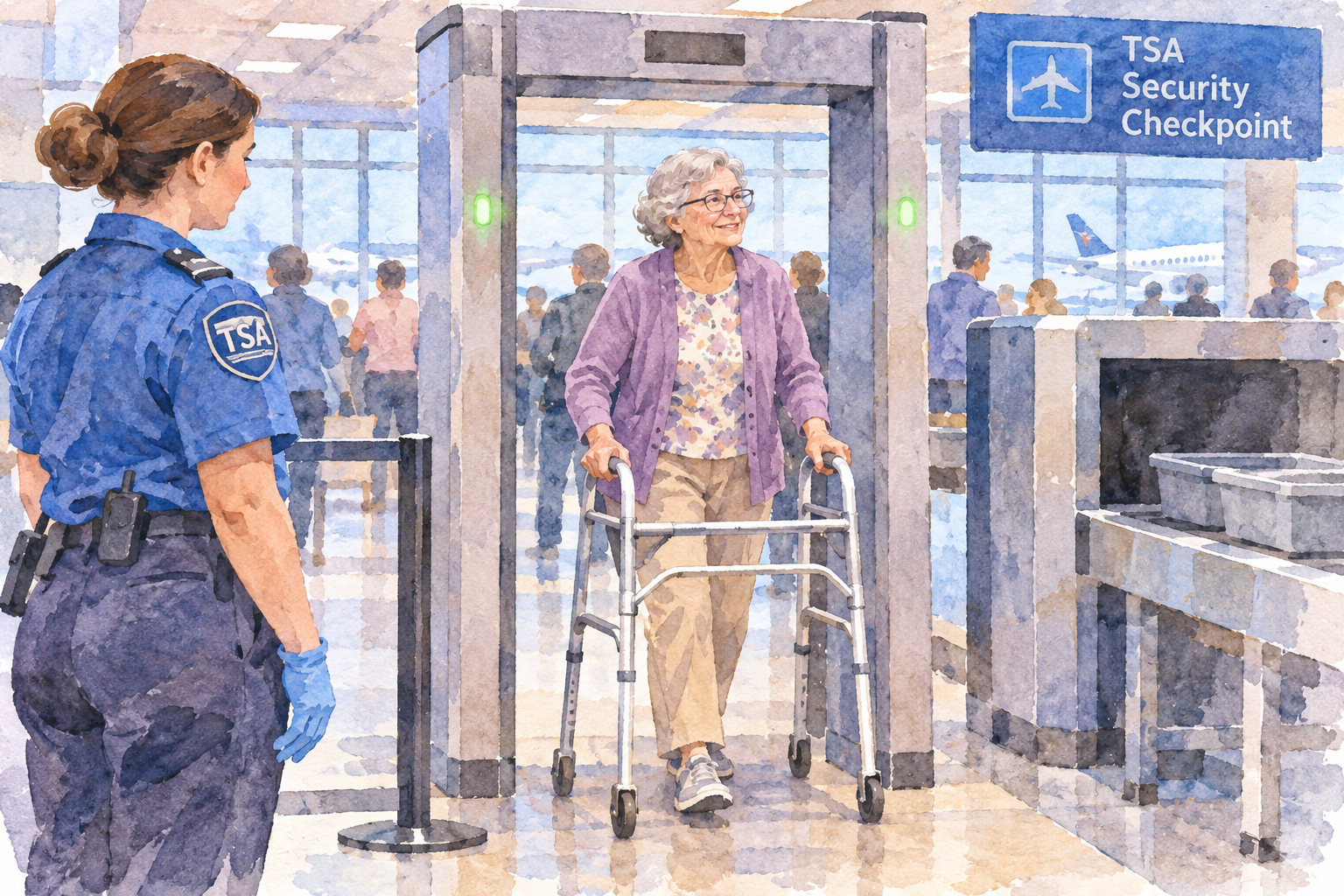
If you use a walker and have a flight coming up, airport security can feel like one of the biggest hurdles of the trip. You picture the long line behind you, the beeping machines, and someone asking you to let go of the very thing keeping you steady. Knowing what actually happens at the checkpoint takes away most of that worry, and it’s simpler than you might expect.

Do Walkers Set Off Metal Detectors at the Airport?
Do walkers set off metal detectors? No, because your walker doesn’t go through the metal detector at all. TSA screens mobility aids like walkers, rollators, canes, and crutches separately, usually by X-ray or a quick hands-on inspection, while you’re screened on your own through the walk-through metal detector or body scanner. The confusion is understandable, since most people picture themselves rolling straight through the checkpoint, walker and all. That’s just not how it works.
How TSA Actually Screens a Walker
When you reach the checkpoint, your walker gets sent through the X-ray belt like any other item, minus you standing on it. If it’s too big to fit — some rollators and bariatric walkers are — a TSA officer will do a visual and hands-on inspection instead, often swabbing the frame and handles to test for explosive residue. Either way, the walker is checked as equipment, not as something you carry through the detector with you.
Meanwhile, you go through the walk-through metal detector or the millimeter wave body scanner unassisted if you’re able to stand and walk a few steps on your own. If you can’t do that safely without the walker, you can request to be screened while seated, or opt for a pat-down instead. None of that involves the walker itself passing through anything electronic.
What Might Actually Set Off the Detector
Here’s the part that actually matters: it’s not the walker that trips the alarm, it’s what’s in or on your body. Metal hip or knee replacements, spinal hardware, plates and screws from an old fracture, or even a heavy metal brace can alarm the walk-through detector on their own, walker or no walker. If that happens, you’ll get a secondary pat-down and possibly a hand-wand check, which is routine and not a sign you did anything wrong.
Worth flagging separately: if you have an internal medical device like a pacemaker, TSA specifically recommends you skip the walk-through metal detector altogether and request the body scanner or a pat-down instead, since the detector isn’t meant for that kind of device.
A Few Things That Make It Faster
- Remove anything detachable from the walker — bags, cup holders, trays — before it goes into the X-ray. Loose items slow everything down and usually get pulled for a second look.
- Say something before you’re asked. Telling the officer up front that you use a walker, and whether you can stand unassisted, moves you through the process instead of it being figured out mid-checkpoint.
- Call TSA Cares ahead of time if you want to know exactly what to expect. They can walk you through the process 72 hours before your flight, which takes a lot of the guesswork out of it.
- Build in extra time. None of this takes long, but mobility aid screening almost always takes longer than the standard walk-through, so a little buffer keeps it from feeling rushed.
None of this is complicated once you know what’s coming. The stress mostly comes from not knowing what to expect, not from the screening itself.

For More Information Follow The Link Below
Do walkers set off metal detectors at the airport? They never get the chance, because they don’t go through one. TSA’s guidance on mobility aids and devices says walkers must go through X-ray screening, and an officer will inspect yours if it doesn’t fit. It’s worth checking that page before you fly, since it comes straight from the agency running the checkpoint.
Final Thoughts
Your walker won’t set off a metal detector, because it never goes through one. If you do hear a beep, it’s more likely coming from a metal joint, plate, or brace, and a quick pat-down or hand-wand check will usually sort it out. Tell the officer you use a walker, let them know whether you can stand on your own, and give yourself a little extra time. Your walker helps you get around every day, and airport security doesn’t have to stop it from helping you travel too.
Frequently Asked Questions
Does my walker need to go through the X-ray machine or can it be hand-inspected?
Both are options. If it fits on the belt, it goes through the X-ray. If it’s too large, an officer will inspect it by hand instead.
Can I keep using my walker while I’m being screened?
Generally no — the walker is screened separately while you go through the metal detector or body scanner on your own. If you can’t stand or walk without it, tell the officer, and you’ll be screened while seated or given a pat-down instead.
Will I set off the detector if I have a metal joint replacement?
Possibly. Metal implants can alarm the detector regardless of whether you use a walker. That just means a routine pat-down or hand-wand check, not a longer delay overall.
Do I need to bring documentation about my walker or medical condition?
It’s not required, but a short note from your doctor can help if you’re asked questions about a medical device or condition, especially for something less visible than the walker itself.
Is there a way to skip the wait if I need extra time or assistance?
Yes — call TSA Cares at least 72 hours before you fly. They can flag your needs in advance and tell you what to expect at your specific airport.
Ron Anderson, Caregiver To My Dad, A WWII Veteran, For 6 Years
